Safely Decommission a Node From a K3s Cluster With Longhorn or Local-Path Storage
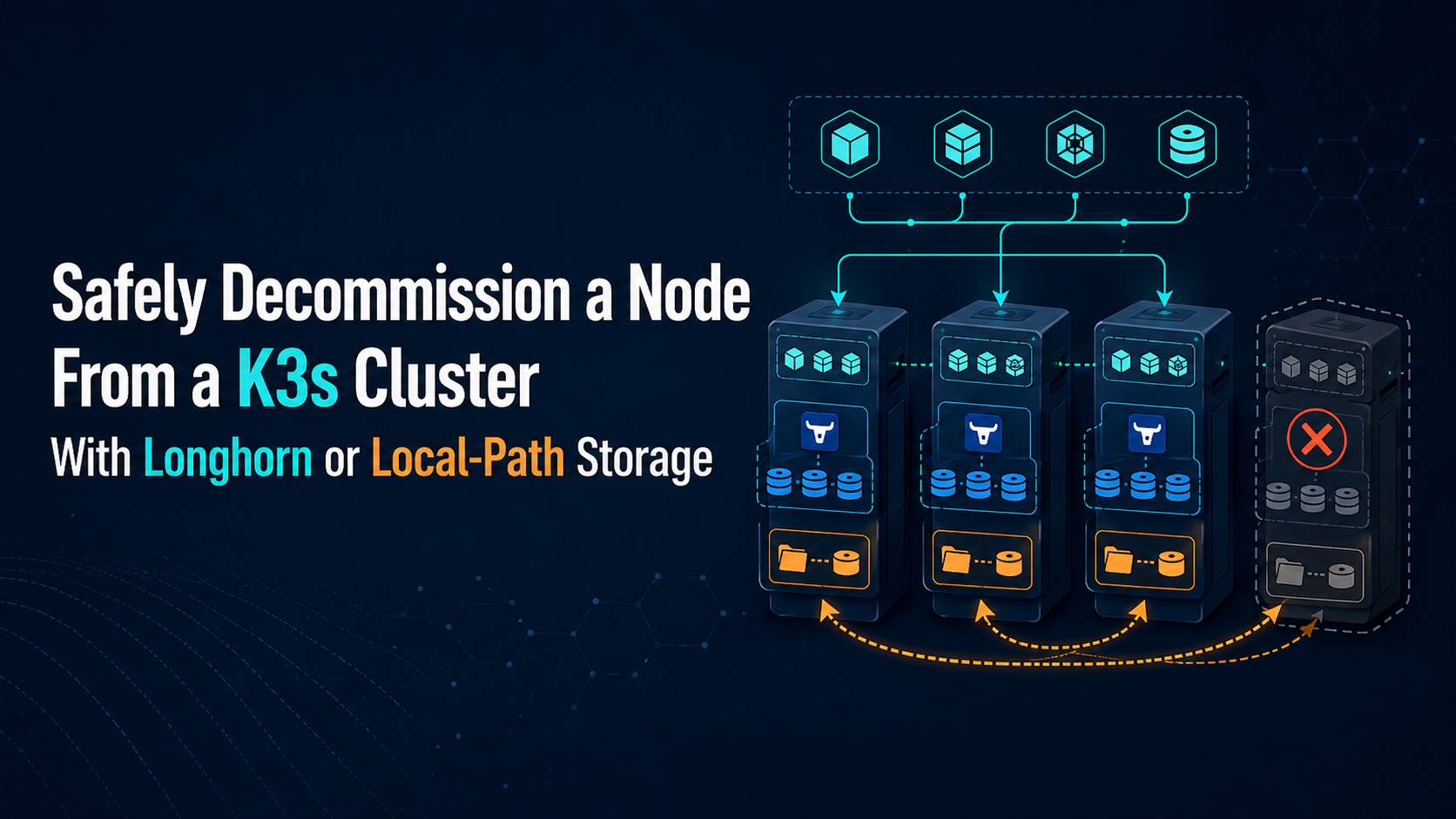
Removing a node from a K3s cluster is simple when the node only runs stateless workloads. It becomes more dangerous when the node hosts volumes, because Kubernetes can move pods but it cannot magically move local data unless the storage layer supports replication or migration.
This runbook describes a safe approach for decommissioning a K3s node when workloads use either Longhorn or the default local-path provisioner.
Before You Start
Set the node name once and reuse it in all commands.
Let’s assume you have a two-node cluster: one master node and one worker node. Longhorn storage has two replicas configured in the StorageClass, and now you need to remove the worker node from the cluster for decommissioning or replacement.
Migrate Longhorn Storage
Take Backups First
Even though you currently have two replicas, after this migration you will end up with only one replica. Take Longhorn backups for important PVCs before starting.
In Longhorn UI:
Volume -> Backup -> Create Backup
Change Longhorn Default Replica Count to 1
This affects new volumes, not necessarily existing ones.
In Longhorn UI:
Settings -> General -> Default Replica Count -> 1
If you installed Longhorn by Helm, also update your Helm values so it does not revert later:
| |
Then upgrade Longhorn with your chart values.
Change Existing Longhorn Volumes to 1 Replica
Check current volumes:
| |
For each volume, patch replica count to 1:
| |
Or for all volumes:
| |
Then watch:
| |
You want each volume to have one healthy replica, preferably on the master node.
Disable Longhorn Scheduling on the Slave
In Longhorn UI:
Node -> slave node -> Edit Node and Disks
Set:
| |
Also disable scheduling on the disk under that node.
CLI option:
| |
Then check replicas again:
| |
If you already changed volumes to numberOfReplicas: 1, Longhorn should remove the extra replica on the slave or leave only the selected healthy replica. If a volume’s only remaining replica is still on the slave, do not remove the node yet. In that case, use Longhorn UI to verify the volume replica placement and rebuild or move it to the master first.
Cordon the Slave Node
| |
Migrate Local-Path Storage
Local-path volumes are different from Longhorn: they are node-local directories, so Kubernetes cannot automatically move the data. The safe approach is to identify those PVCs, stop the pods, copy the data from the slave node to the master node, then recreate or retarget the PV so it points to the new node/path.
Find Workloads Using Local-Path
| |
Filter local-path:
| |
Then check where each PV is located:
| |
Look for:
| |
or:
| |
Also check node affinity:
| |
That tells you which node owns the volume.
Decide Which PVCs Need Migration
You only need to migrate PVCs whose PV is on the slave node.
Example command:
| |
If the NODE column shows the slave node, that data must be copied before removing the node.
Stop the Workload Using the PVC
For a Deployment:
| |
For a StatefulSet:
| |
Then verify no pod is using the PVC:
| |
For databases, stop the application cleanly before copying data.
Copy the Data From Slave to Master
On the slave node, find the path from the PV:
| |
Example source path:
| |
Copy it to the master node.
Example with rsync:
| |
If SSH root login is not allowed:
| |
Then on master:
| |
Preserving ownership is important, especially for PostgreSQL, MySQL, Redis, MinIO, etc.
Recreate the PV for the Master Node
This is the cleanest manual method. First, save current PV YAML:
| |
Edit it into a new static PV bound to the same PVC, but with master node affinity. Important fields to keep/change:
| |
If the old PV uses local.path instead of hostPath.path, use the same style:
| |
Do not copy these fields from the old PV:
| |
Delete Old PVC/PV Carefully, Keeping Data
Because the PVC is bound to the old PV, you usually need to recreate the PVC or PV binding. First, make sure the old PV reclaim policy is Retain:
| |
Delete the workload first, then delete the PVC:
| |
The PV should move to Released, not delete the actual directory. Then delete the old PV object:
| |
Create the new PV on master:
| |
Then recreate the PVC with the same name. Example:
| |
Apply it:
| |
Check binding:
| |
You want:
| |
Start the Workload on Master
Start the workload:
| |
or:
| |
Verify:
| |
Drain Node and Uninstall K3s
Cordon and drain the slave node:
| |
After drain succeeds:
On the slave machine:
| |
Then delete the node from the Kubernetes cluster:
| |
Then remove it from Longhorn UI:
Longhorn UI -> Node -> slave node -> Delete