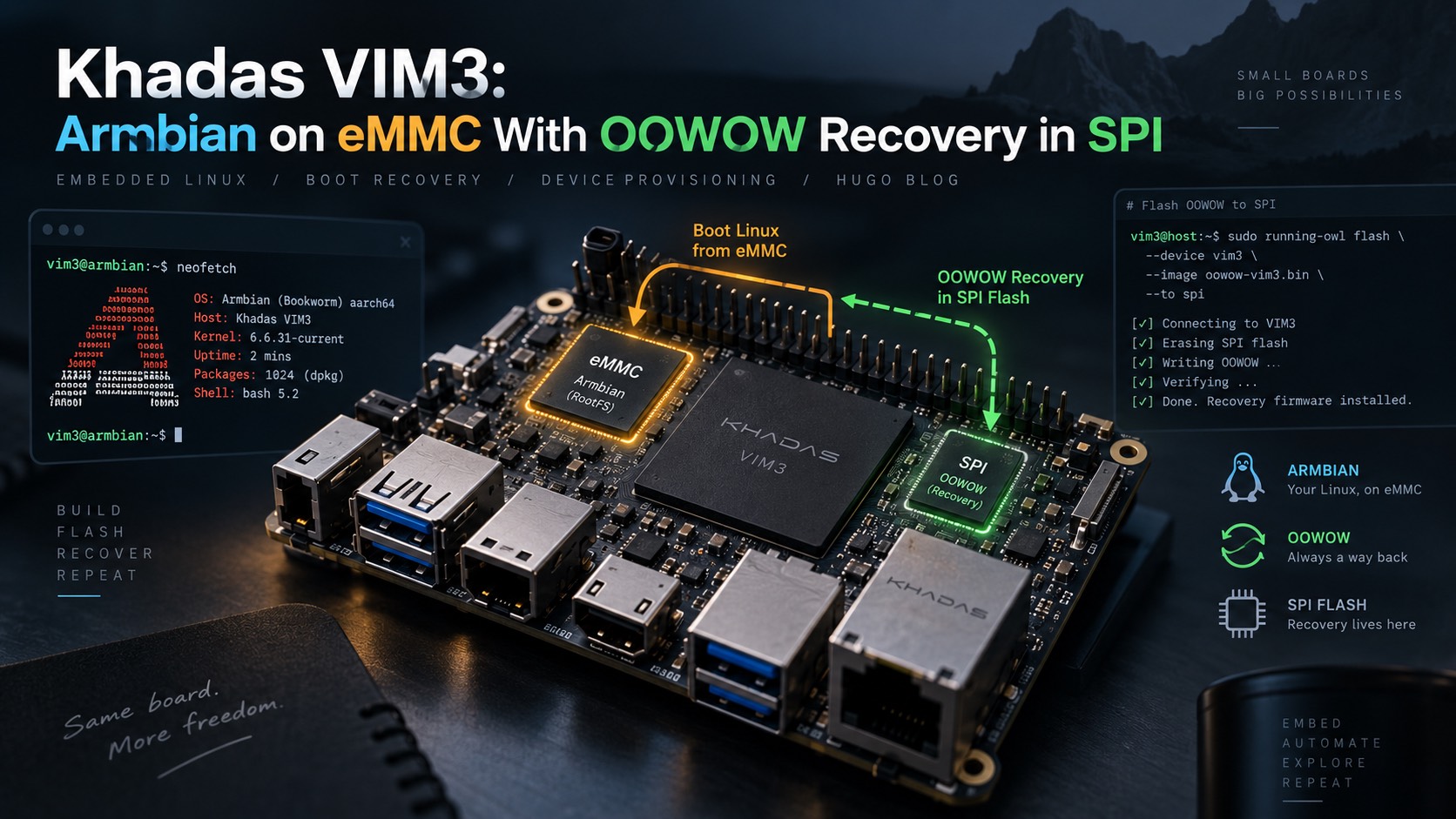
Khadas VIM3: Armbian on eMMC With OOWOW Recovery in SPI
Configure a Khadas VIM3 V12 to boot Armbian from eMMC by default and OOWOW from SPI when holding the FUNCTION button.
Configure a Khadas VIM3 V12 to boot Armbian from eMMC by default and OOWOW from SPI when holding the FUNCTION button.
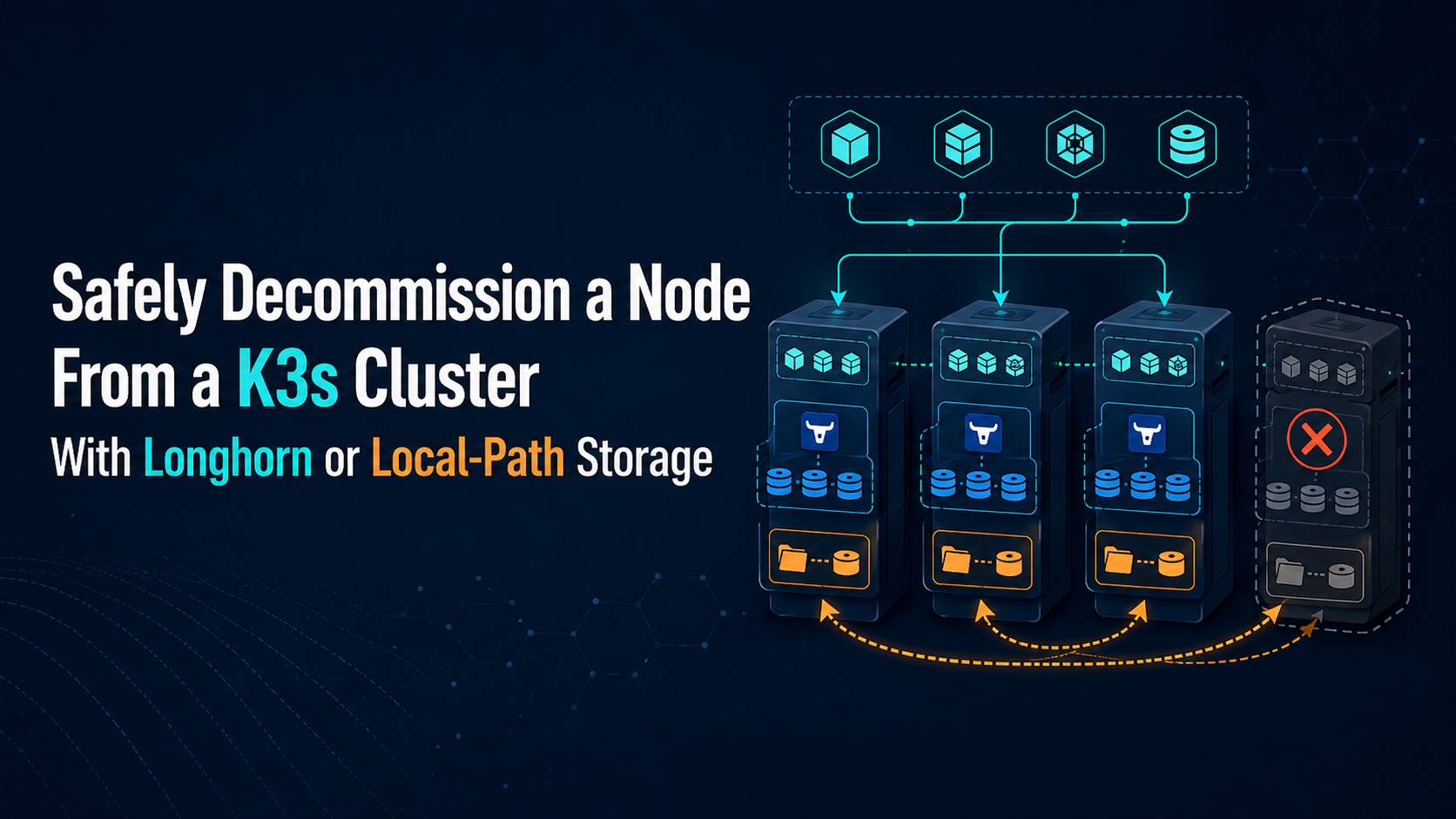
Removing a node from a K3s cluster is simple when the node only runs stateless workloads. It becomes more dangerous when the node hosts volumes, because Kubernetes can move pods but it cannot magically move local data unless the storage layer supports replication or migration. This runbook describes a safe approach for decommissioning a K3s node when workloads use either Longhorn or the default local-path provisioner.
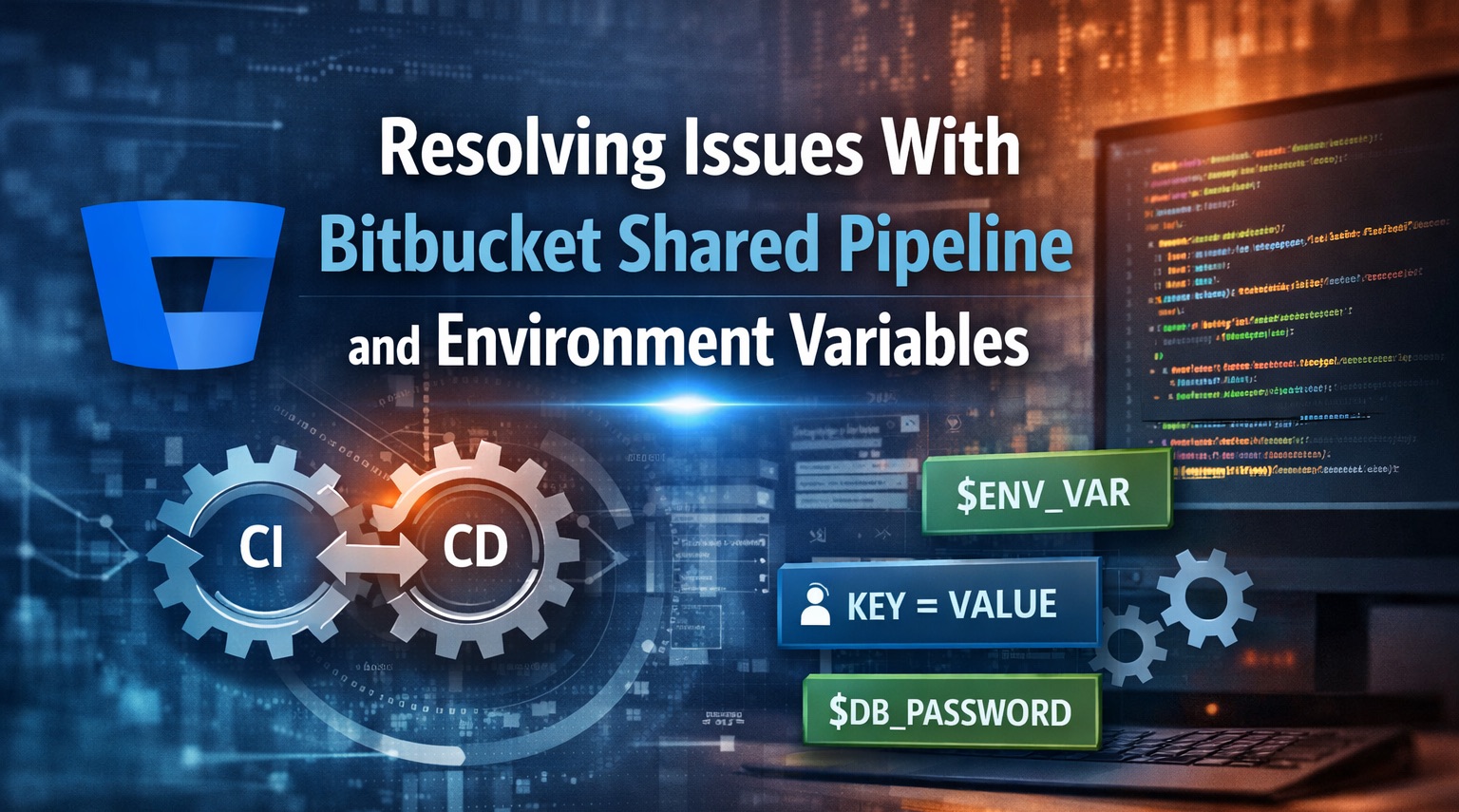
Resolving Issues With Bitbucket Shared Pipeline and Environment Variables Bitbucket has several frustrating limitations around shared pipelines, especially when environment variables are involved. The Atlassian documentation explicitly calls out one of them: Note: There is a known limitation with using variables in custom pipelines that utilize a shared Pipeline Configuration. If a repository imports a shared Pipeline Configuration and uses it as part of a custom pipeline, variable values specified at runtime via the UI will not pass to the pipeline execution. Instead, the default values specified in the exported Pipeline configuration will be used.
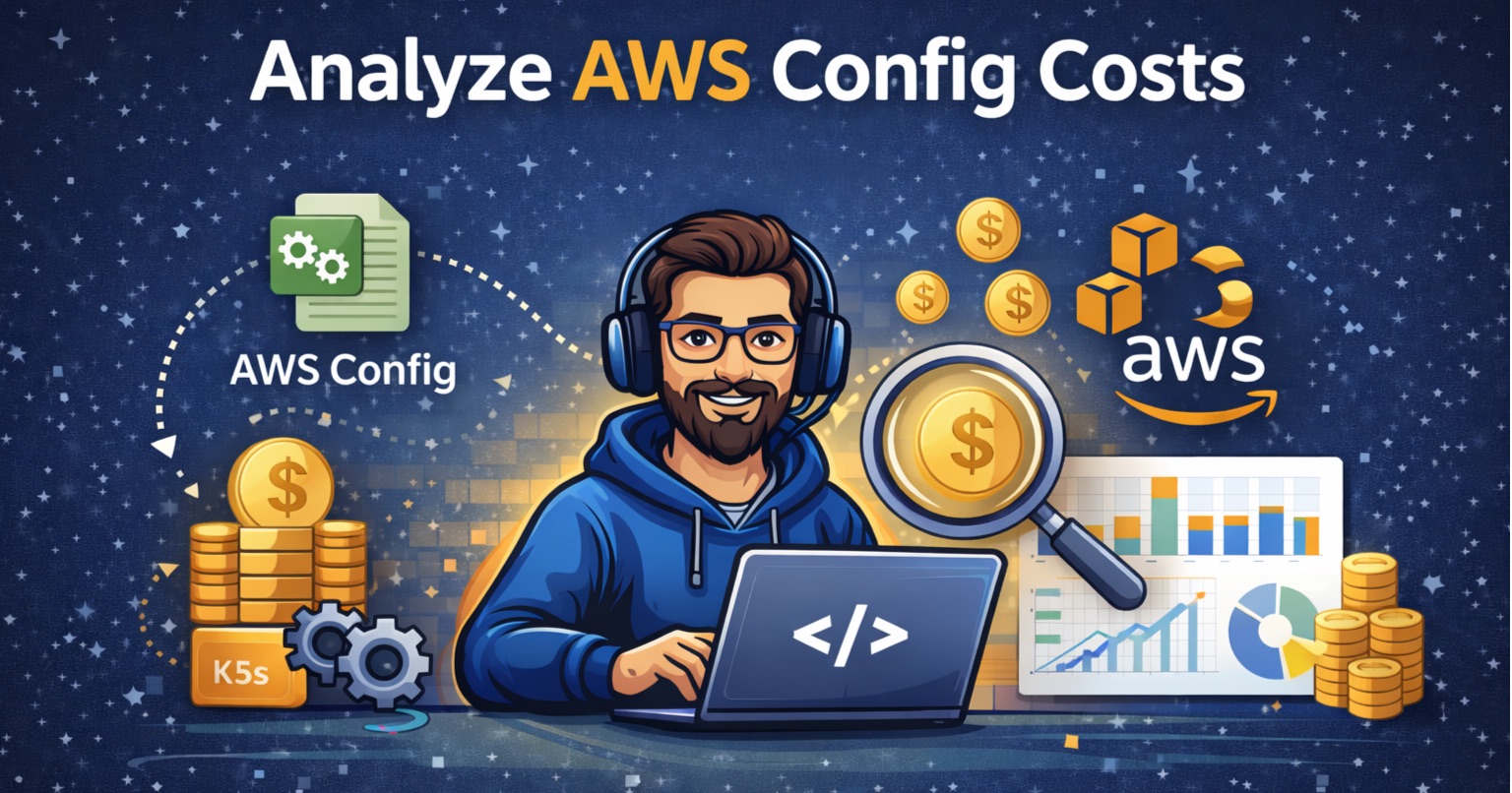
Analyze AWS Config Costs with Athena AWS Config can feel expensive because usage scales with how many configuration items are recorded and how often they change. Cost questions usually boil down to: “Which resources are generating the most records?” This post shows how to answer that using Athena against centralized AWS Config logs. Prerequisites AWS Config is aggregated to a centralized S3 bucket in a logs account. You know the bucket name (replace aws-config-logs-bucket below). You have Athena access in the logs account. Create an Athena table (Config history) The following table uses partition projection for accounts, regions, and dates.
Overview This note captures the install commands used to bootstrap a K3s cluster with Google OIDC authentication and S3-backed etcd snapshots. Replace the placeholder values before running. Control Plane Node 1 (bootstrap) Use this to initialize the first server and enable Google OIDC claims. 1 2 3 4 5 6 7 8 9 10 11 12 13 14 15 16 17 18 19 20 21 22 23 24 25 26 curl -sfL https://get.k3s.io | INSTALL_K3S_VERSION=v1.29.3+k3s1 sh -s - server \ --cluster-init \ --node-external-ip=<PUBLIC_IP> \ --flannel-backend=wireguard-native \ --flannel-external-ip \ --disable=traefik \ --tls-san <CONTROL_PLANE_DNS> \ --write-kubeconfig-mode "0644" \ --default-local-storage-path /k3s-data \ --node-taint node-role.kubernetes.io/control-plane=true:NoSchedule \ --node-taint CriticalAddonsOnly=true:NoExecute \ --node-taint node-role.kubernetes.io/master=true:NoSchedule \ --kube-apiserver-arg=oidc-issuer-url=https://accounts.google.com \ --kube-apiserver-arg=oidc-client-id=<OIDC_CLIENT_ID> \ --kube-apiserver-arg=oidc-username-claim=email \ --etcd-s3 \ --etcd-s3-endpoint <S3_ENDPOINT> \ --etcd-s3-access-key <S3_ACCESS_KEY> \ --etcd-s3-secret-key <S3_SECRET_KEY> \ --etcd-s3-bucket <S3_BUCKET> \ --etcd-s3-region <S3_REGION> \ --etcd-s3-folder etcd \ --flannel-backend none \ --cluster-cidr=10.42.0.0/16 \ --service-cidr=10.43.0.0/16 \ --disable-network-policy Control Plane Node 2 (join) Join an additional server to the existing control plane using the cluster token.